Windows tool
NX IP-Scanner
Network scanner, inventory and customer documentation for Windows – a single EXE with no installation and no admin rights.
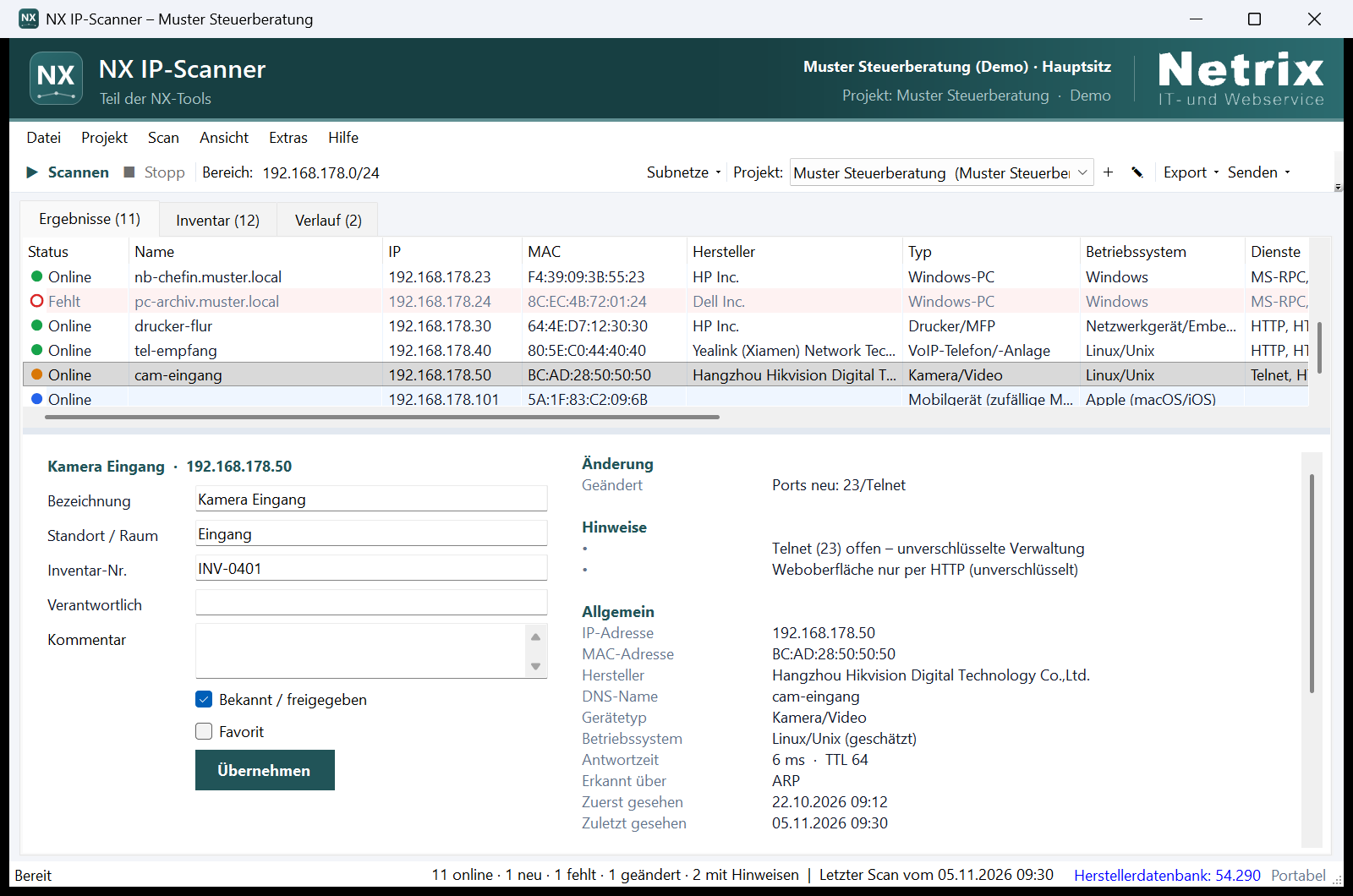
NX IP-Scanner finds every device on the network in seconds, with name, MAC address, vendor and response time. It detects shares, web interfaces, RDP and SSH, and on request open ports, TLS certificates, UPnP devices and SNMP details. It derives device types from the results and flags issues such as open Telnet or database ports, expired certificates or unknown new devices.
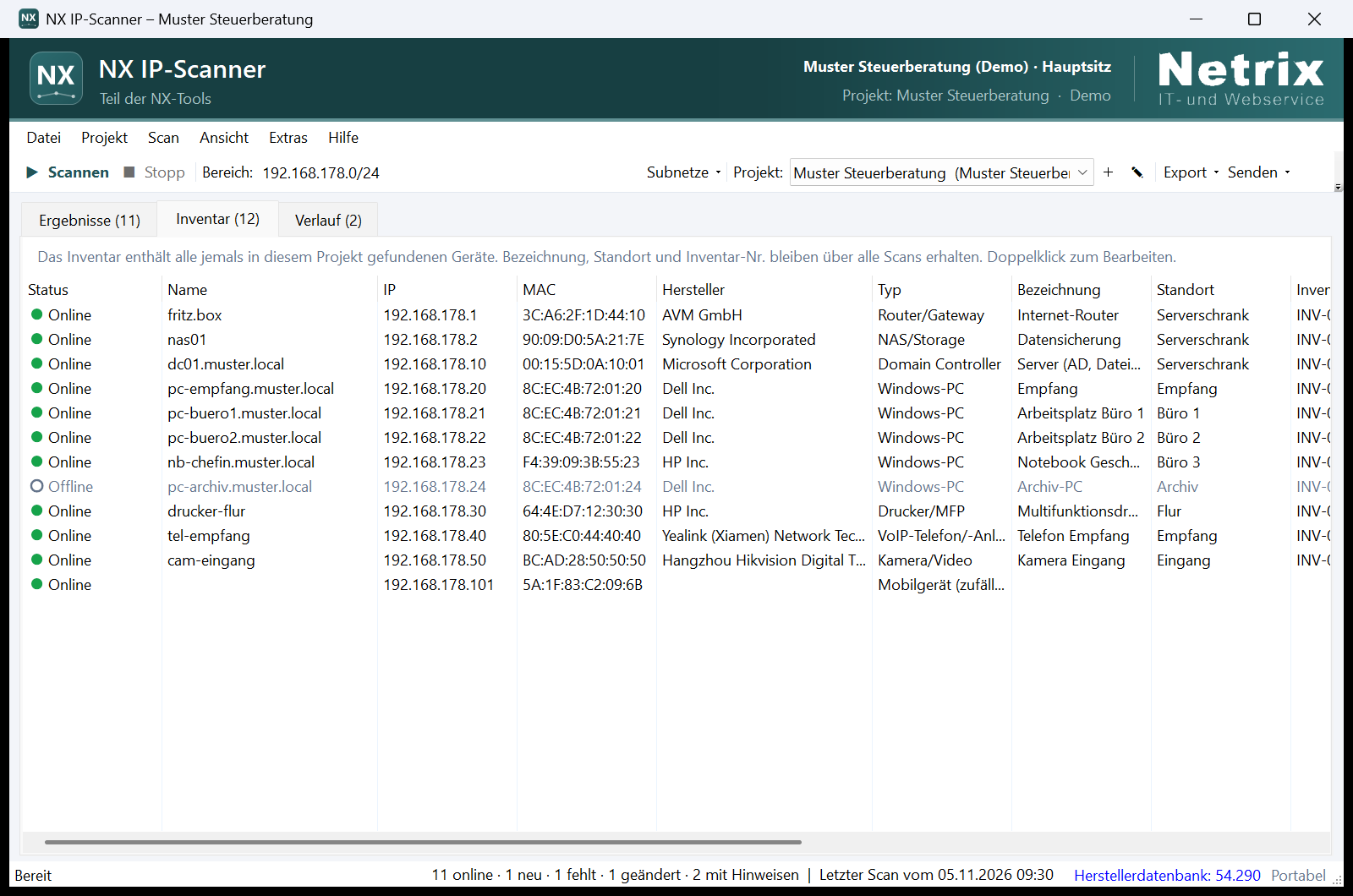
Create a project for each customer or site. Labels, room, inventory number and comments persist across scans, and changes since the last scan are highlighted. Reports are available as HTML, PDF, CSV and JSON. A command-line version supports scheduled scans via Windows Task Scheduler.
The program runs portably, for example from a USB stick, or installs for the current user without admin rights. It sends no telemetry and only connects to the internet when you ask it to. Only scan networks you are authorised to scan.
The program files are not yet digitally signed, so Windows SmartScreen may warn you on first start. The checksum below the download button confirms that the file is unchanged.
- Version
- 1.0.0
- System
- Windows 10 or 11 (.NET Framework 4.8 is preinstalled)
- Package
- Desktop program, command-line version, quick guide
- Permissions
- No administrator rights required
- Language
- German
Screenshots